Documentation Index
Fetch the complete documentation index at: https://help.findspace.app/llms.txt
Use this file to discover all available pages before exploring further.
Check out a video walkthrough showing the basics of Space
Get introduced to the basic functionality of Space.
Adding tasks
Click or tap the purple+ button to add a task. You can also press CMD + N.
Editing tasks
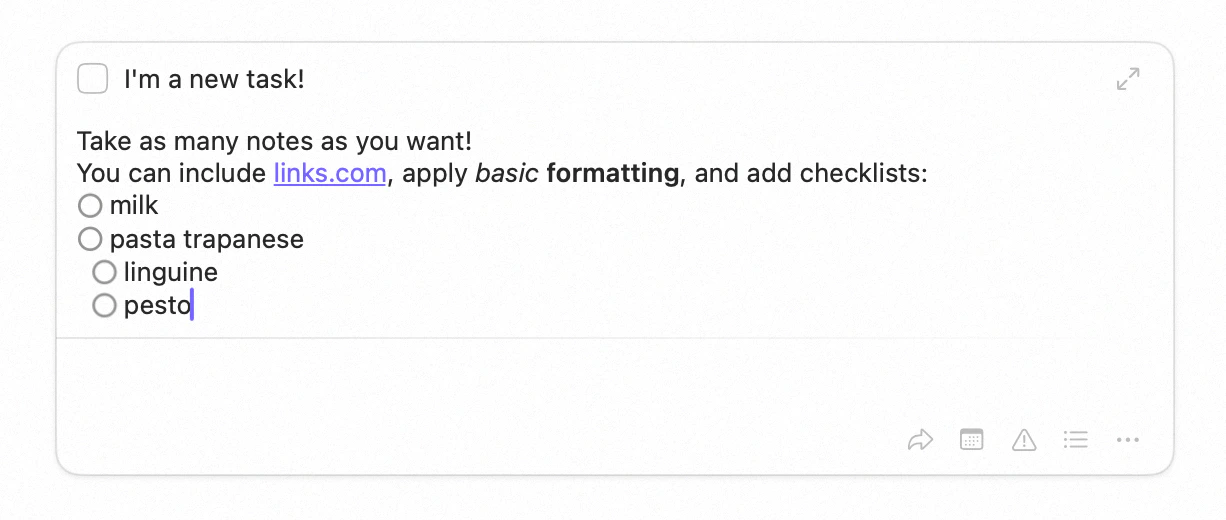
To begin editing a task, simply double click it (or tap it on iOS). Or select it with the arrow keys and press Return. You can then type away. The buttons bottom-right allow you to take quick action on the task: move it, schedule it, or many other actions via the … menu.
You can accomplish many actions on tasks using just your keyboard. Check out keyboard shortcuts
Repeating tasks
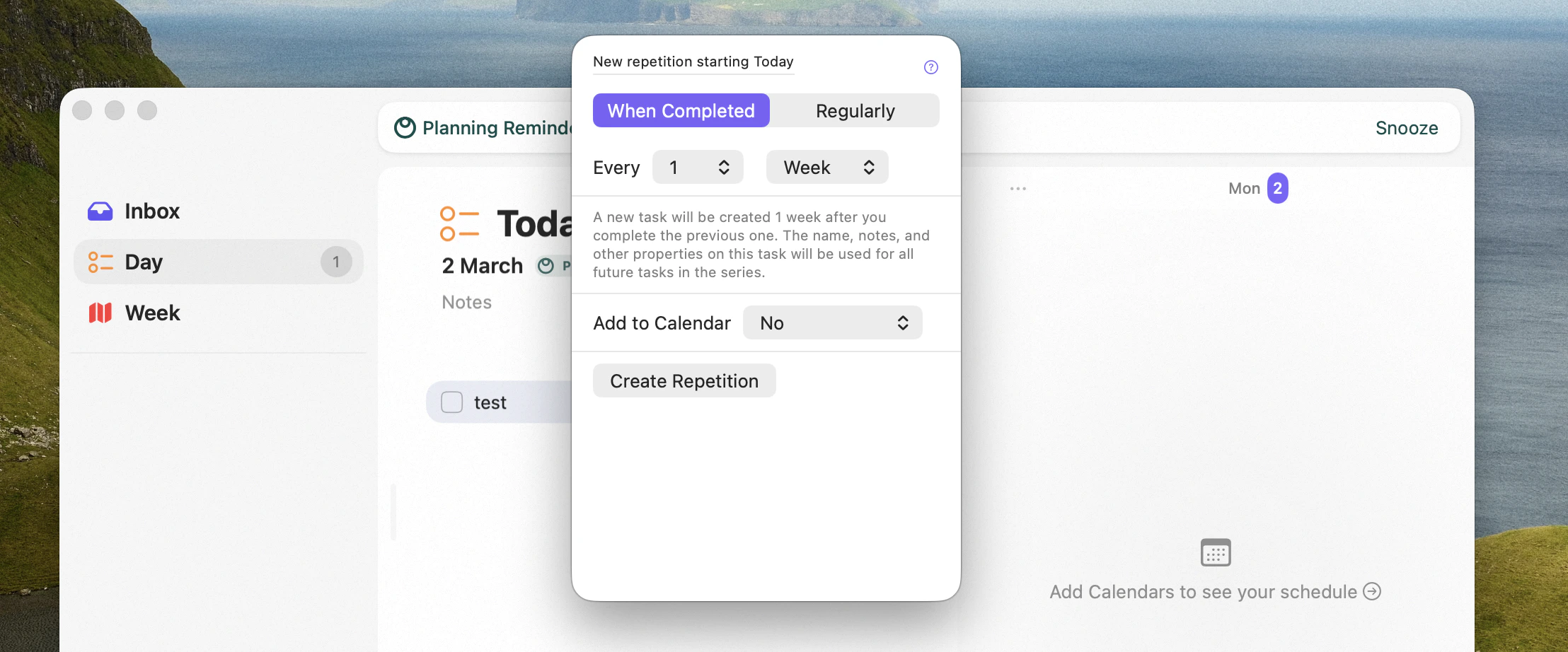
Right click a task and selectEdit Repetition to make any task a repeating task.
If you want to know more about repeating tasks and see all the features in action, check out this video.
Focus view
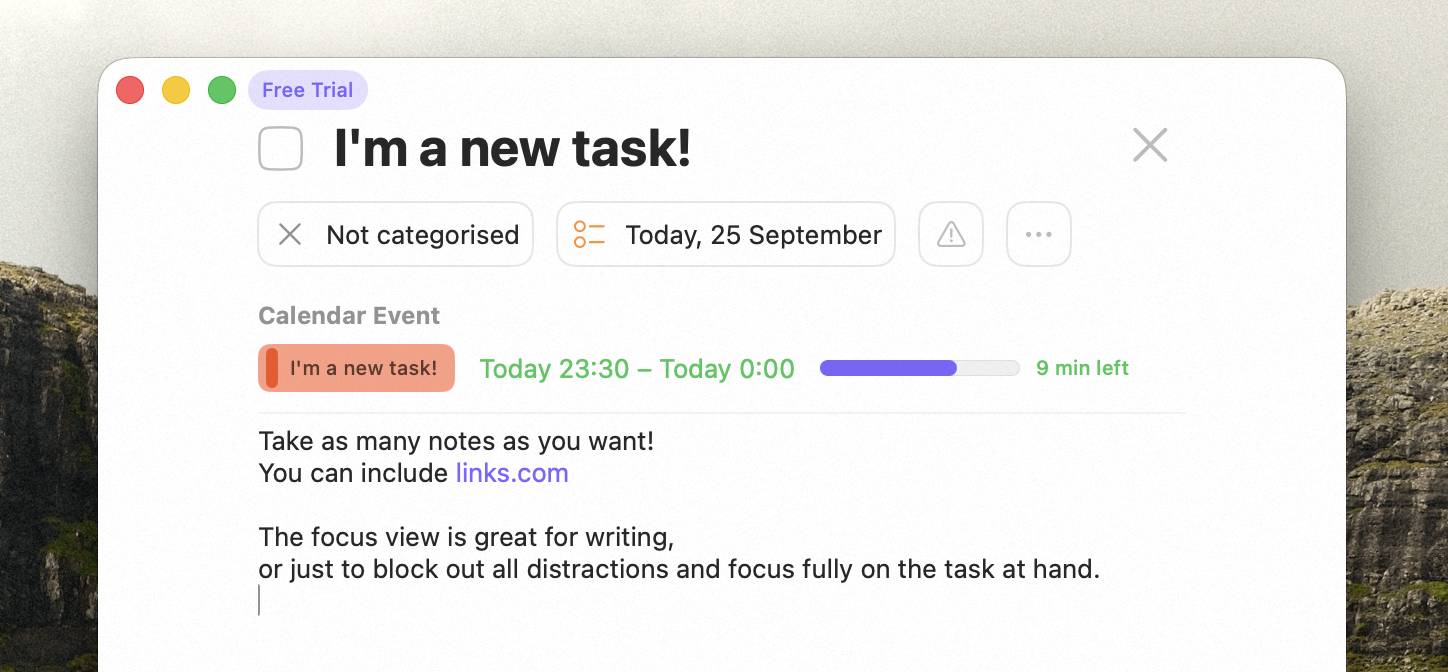
To make a task full screen, select it and pick Focus from the Task menu, context menu, or press Cmd + .. This view is great for writing, and blocking out distractions. If your task is scheduled on the calendar, you will see the time. If it is scheduled for now, you will see how much time you have remaining.