Sharing to Space on the Mac
Enabling the extension
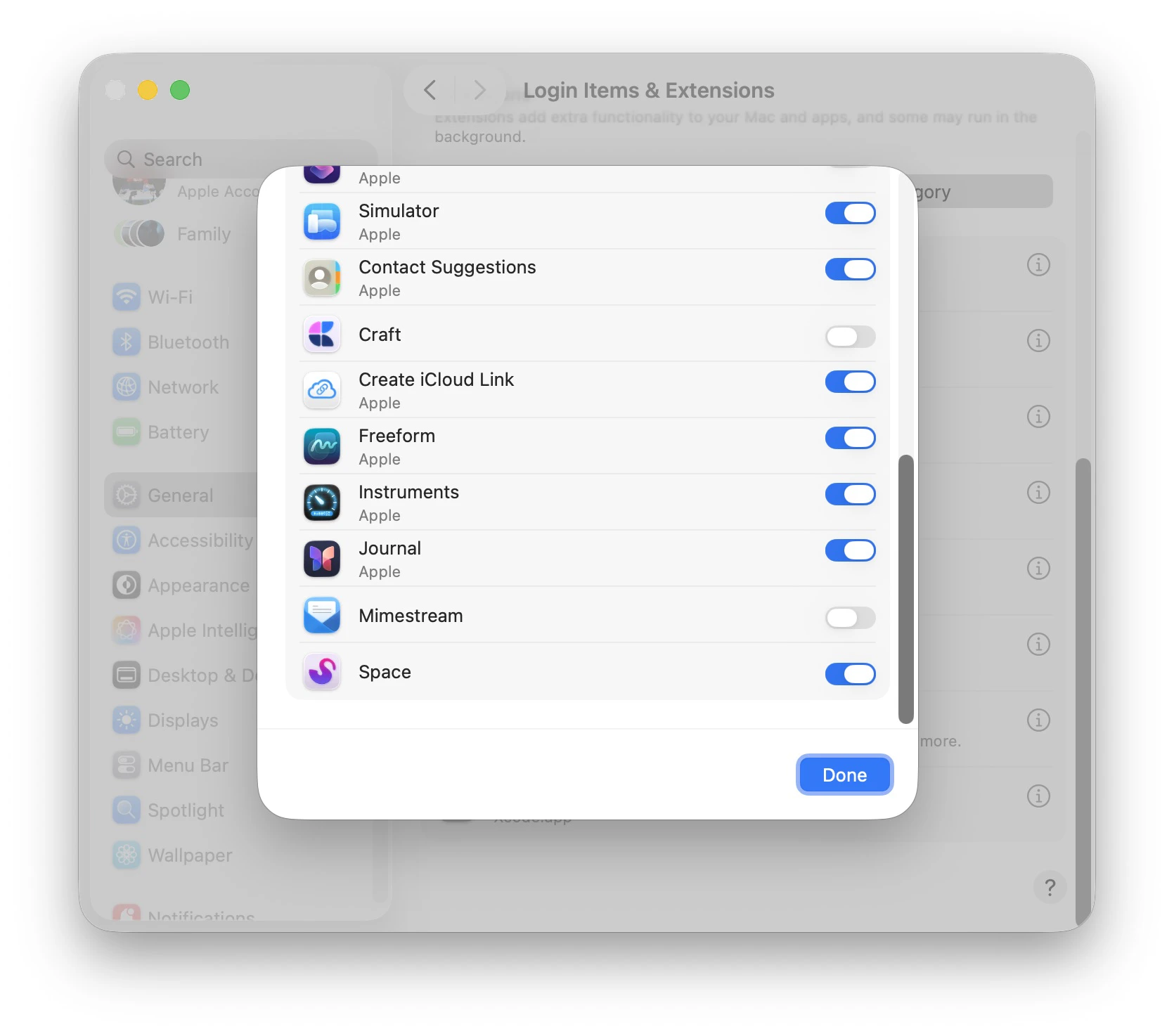
On Mac, you have to manually enable the Share Extension before you can use it. OpenSystem Settings > General > Login Items & Extensions.
Scroll down to Extensions and click By Category. Then click on the next to Sharing.
In the list, find Space and toggle it on.
Using the extension
In any app that supports Share Extensions, open the Share menu and click Space.

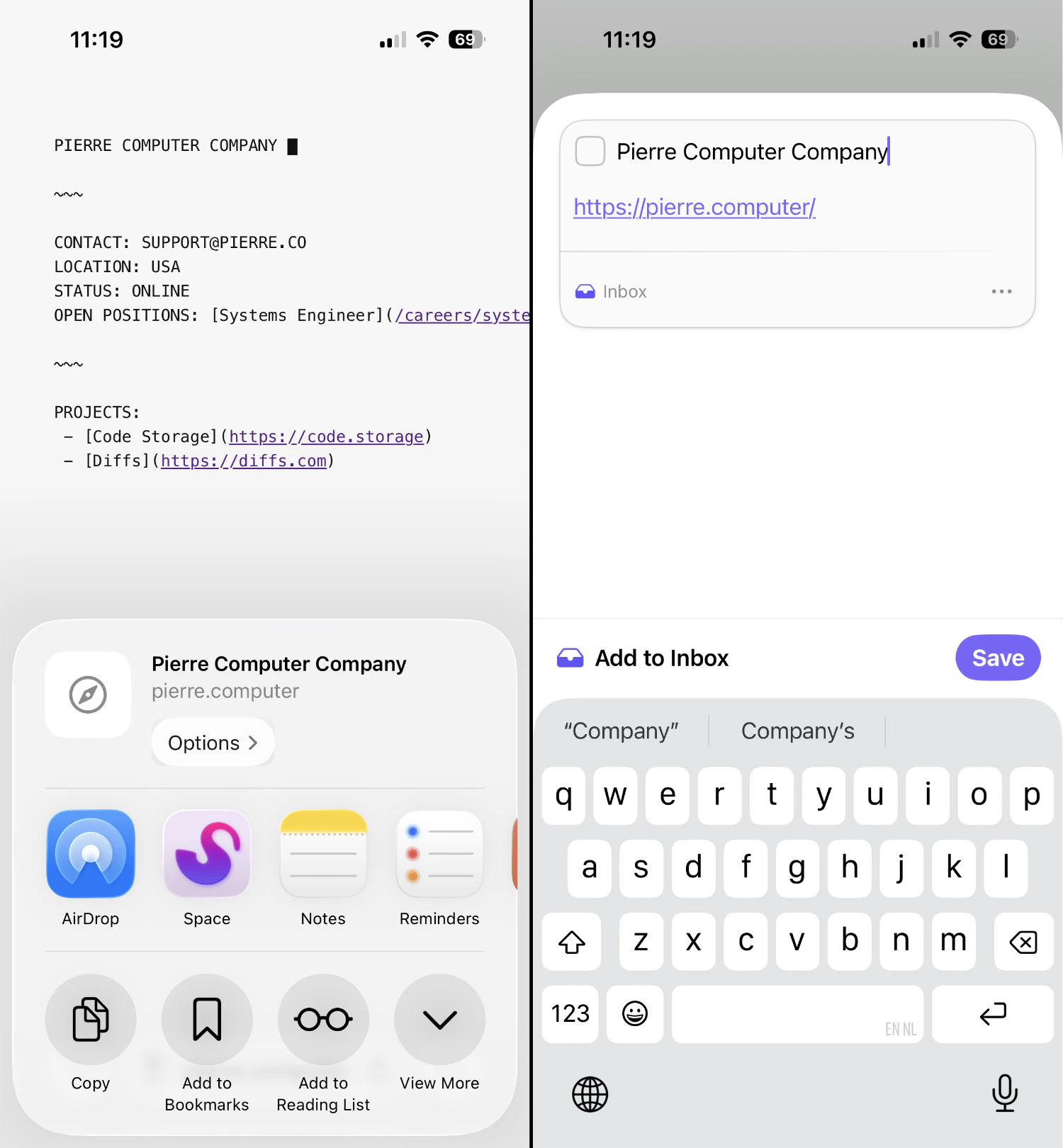
Sharing to Space on iOS
On iOS things are a little easier since we don’t need to enable the extension; it is always on. Just open an app that supports sharing, tap the share icon, and find Space in the list of apps. When Space is not shown immediately, tapMore and look for Space in the resulting list.